Get Booklio for free.
Fill in a few details and confirm your email. Booklio sets itself up and you can have it on your website within 15 minutes.
We’re preparing Booklio for your industry. Sign up now and you’ll be among the first to get a link to the admin once it’s ready.
What happens next
You confirm your email
a few secondsWe send you a link. One click and we start.
Booklio sets itself up
a few minutesWe prepare your own booking system at yourvenue.booklio.ai.
You set up your venue
5 minutesA guide in the admin: opening hours, spaces and tables, a password for the iPad.
You add the code to your website
2 minutesTwo lines of code, with guides for WordPress, Wix, Webnode and your own site. No website? A link is enough.
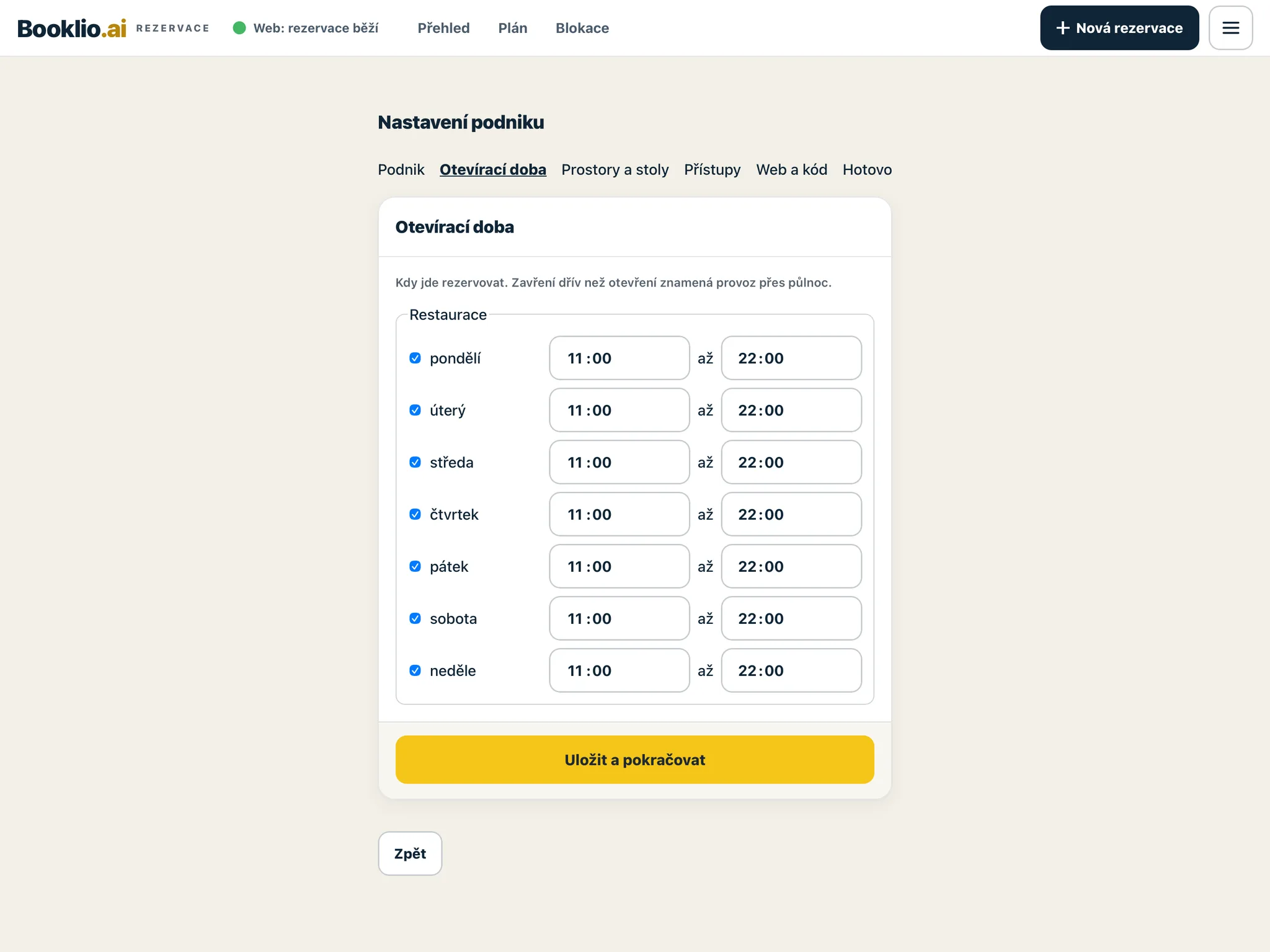
The setup guide in the admin (in Czech), Opening hours step. Sample venue.
Within 15 minutes, Booklio is on your website.
What happens next
You confirm your email
a few secondsWe send you a link to confirm your registration.
You’re on the list
right awayWe know which industry you want Booklio for, and we’re counting you in.
We send you an admin link
once it’s readyAs soon as Booklio for your industry is ready, you get a link to the admin by email.
You’ll be among the first to know when Booklio for your industry is ready.
Got a question?
Not ready to sign up yet? Send us a message and we’ll reply by email.